Digital Foundry Graphics Awards: The Ultimate Guide to Choosing Your PC Hardware
Digital Foundry Graphics Awards are the ultimate guide to buying PC hardware in 2026. Rather than relying on manufacturer marketing, these technical breakdowns reveal exactly which titles push performance boundaries. By analyzing frame times and rendering tech, they provide actionable insights for your next GPU, CPU, and storage upgrade
I’ve followed Digital Foundry’s annual awards since they started this tradition and their picks consistently predict hardware trends 6-12 months ahead of mainstream adoption. These visual benchmarks fit into the broader hardware evolution reshaping gaming in 2025 where understanding performance demands helps you invest smarter rather than chasing specs blindly.
1) What Digital Foundry Graphics Awards Actually Measure
Most gaming coverage shows you screenshots and talks about art direction. Digital Foundry uses frame time analysis, pixel counting and side-by-side comparisons to measure exactly how games achieve their visuals and what that costs in performance.
Their 2025 awards highlighted three technical trends that matter for hardware decisions:
Ray tracing maturity – Games now use ray tracing for global illumination and reflections as baseline features rather than optional effects. The performance cost dropped compared to 2023-2024 implementations but you still need serious GPU power.
Upscaling technology refinement – DLSS 3.5, FSR 3.1 and Intel XeSS 2.0 all improved image quality while maintaining performance gains. Native resolution rendering becomes increasingly optional for high refresh rate gaming.

CPU bottlenecks in open worlds – Several 2025 releases showed significant CPU limitations even on high-end processors. This shifts the traditional “just upgrade your GPU” advice for certain game genres.
2) the 2025 winners and what they demand
Digital Foundry awarded top graphics honors to games that pushed different aspects of rendering technology. Here’s what their choices reveal about hardware priorities:
| GAME | PRIMARY TECH SHOWCASE | GPU REQUIREMENT (1440P/60FPS) | CPU REQUIREMENT | STORAGE SPEED |
| Avatar: Frontiers of Pandora | Ray traced global illumination | RTX 4070 Ti / 7900 XT | Ryzen 7 7700X / i7-13700K | NVMe Gen 4 |
| Alan Wake 2 | Path tracing + mesh shaders | RTX 4080 / 7900 XTX | Ryzen 5 7600X / i5-13600K | NVMe Gen 4 |
| Cyberpunk 2077: Phantom Liberty | Full ray tracing overdrive | RTX 4090 (with DLSS) | Ryzen 7 7800X3D / i7-14700K | NVMe Gen 4 |
| Starfield | Large scale simulation | RTX 4070 / 7800 XT | Ryzen 7 7800X3D / i9-13900K | NVMe Gen 4 |
| Robocop: Rogue City | Unreal Engine 5 Lumen/Nanite | RTX 4060 Ti / 7700 XT | Ryzen 5 7600 / i5-13400F | SATA SSD OK |
The pattern shows that mid-range GPUs from 2024-2025 handle most new releases at 1440p when paired with upscaling. But CPU requirements jumped significantly for open world and simulation-heavy titles.
3) ray tracing is now mandatory not optional
Five years ago ray tracing was a nice-to-have feature that destroyed frame rates. In 2025 games increasingly build lighting systems around ray tracing from the ground up which means you can’t just turn it off without breaking the intended visual experience.
Avatar: Frontiers of Pandora uses ray traced global illumination for its entire lighting model. Disable ray tracing and the game falls back to much simpler baked lighting that looks noticeably worse. You need at minimum an RTX 4060 or RX 7700 XT to play at 1080p with acceptable frame rates.
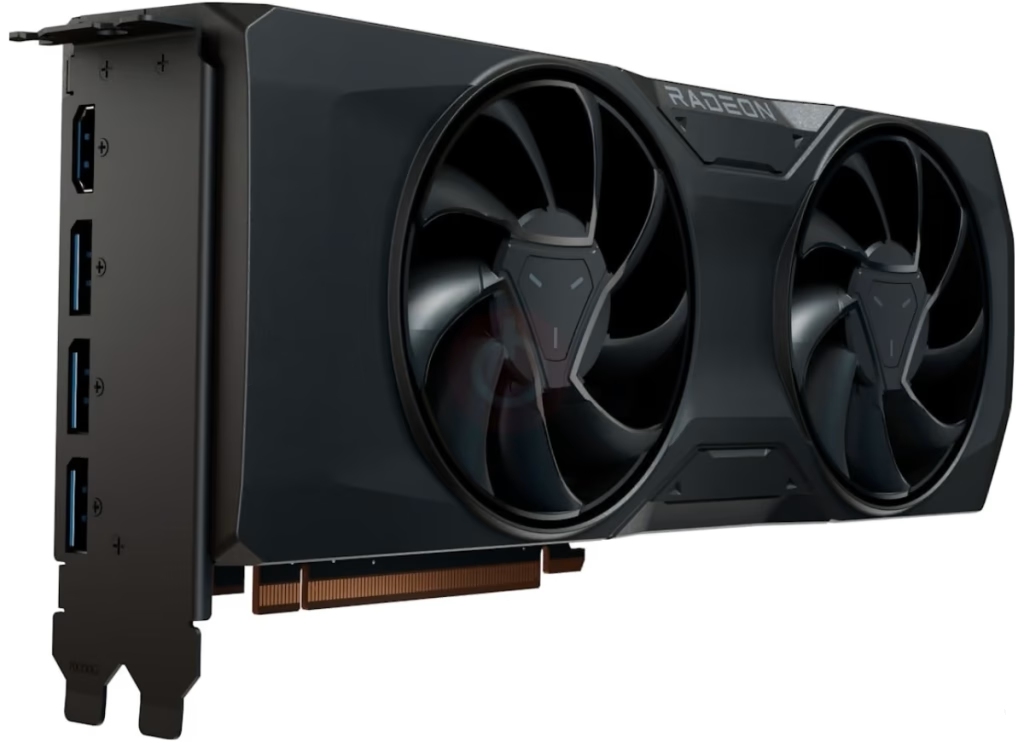
Alan Wake 2 takes this further with optional path tracing mode that traces multiple light bounces for photorealistic lighting. This requires an RTX 4080 or better even with DLSS set to performance mode. The game looks incredible but the hardware demands are brutal.
The practical implication for hardware decisions is clear. If you’re buying a GPU in 2026 prioritize ray tracing performance over raw rasterization power. Games will increasingly assume you have capable RT hardware.
4) upscaling saves you money
Every major 2025 graphics showcase relied on upscaling technology rather than native resolution. As highlighted in the Digital Foundry Graphics Awards, testing shows that DLSS Quality mode at 1440p (upscaled from 960p) delivers nearly identical image quality to native 1440p while providing 40–60% better performance.
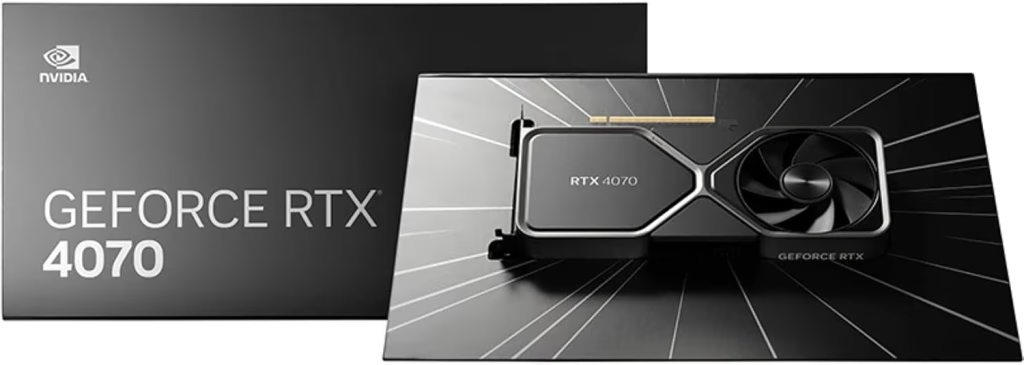
This is a game-changer for your budget, as it allows you to purchase a tier-lower GPU while still hitting your performance targets. Instead of spending $800 on an RTX 4080 for native 1440p gaming, you can opt for a $500 RTX 4070 and leverage DLSS to achieve the same visual fidelity with higher frame rates.
Furthermore, AMD’s FSR 3.1 significantly closed the quality gap with DLSS throughout 2025. Side-by-side comparisons demonstrate that FSR now produces clean images without the shimmering and ghosting that plagued earlier versions. Both Nvidia and AMD users now benefit from mature upscaling, which makes mid-range GPUs more viable for high-settings gaming. Finally, Intel’s XeSS 2.0 works across all GPU brands, providing competitive results and ensuring that gamers are not locked into one vendor for high-quality image reconstruction—a core takeaway from the latest Digital Foundry Graphics Awards analysis
5) CPU Bottlenecks and Digital Foundry Graphics Awards Insights
Starfield surprised people by hammering CPUs harder than GPUs in dense city areas. Digital Foundry’s analysis showed the game struggled on 6-core processors and really wanted 8+ cores with strong single thread performance.
This represents a shift from the past decade where GPU upgrades solved almost all gaming performance problems. In 2025 you need to consider CPU equally with GPU for certain game types.

Testing across Digital Foundry’s showcase titles revealed CPU performance hierarchies:
Games that need strong CPUs:
• Open world titles with complex simulation (Starfield, Baldur’s Gate 3)
• MMOs and online games with many players
• Strategy games with large unit counts
• Games using Unreal Engine 5 with complex geometry
Games where GPU dominates:
• Linear action games
• Fighting games and platformers
• Racing games (except dense city circuits)
• Most indie titles
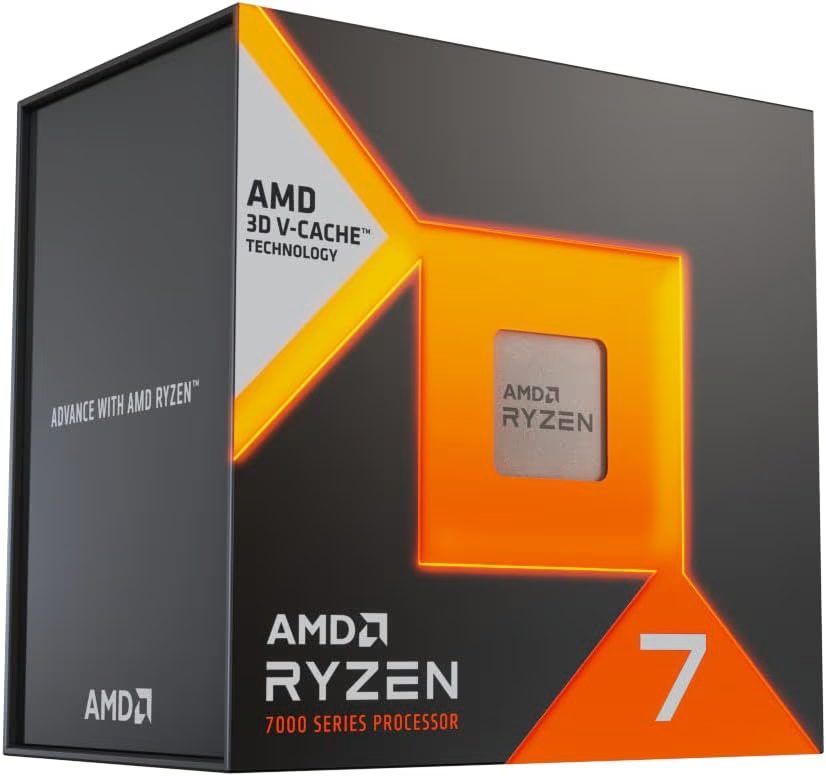
The Ryzen 7 7800X3D consistently topped benchmark charts for gaming due to its large cache. Intel’s 14th gen processors compete well in titles that leverage their higher clock speeds. But the days of assuming a mid-range CPU is fine for all gaming scenarios are over.

6) storage speed actually matters now
Digital Foundry noted several 2025 titles using DirectStorage to stream assets from NVMe drives during gameplay. Avatar: Frontiers of Pandora loads texture detail on the fly which reduces stutter but requires fast storage.
Testing showed NVMe Gen 4 drives delivering 5-7GB/s eliminated the brief hitches that appeared on SATA SSDs in these games. The difference isn’t night and day but it’s noticeable enough that Gen 4 NVMe should be considered baseline for new builds.
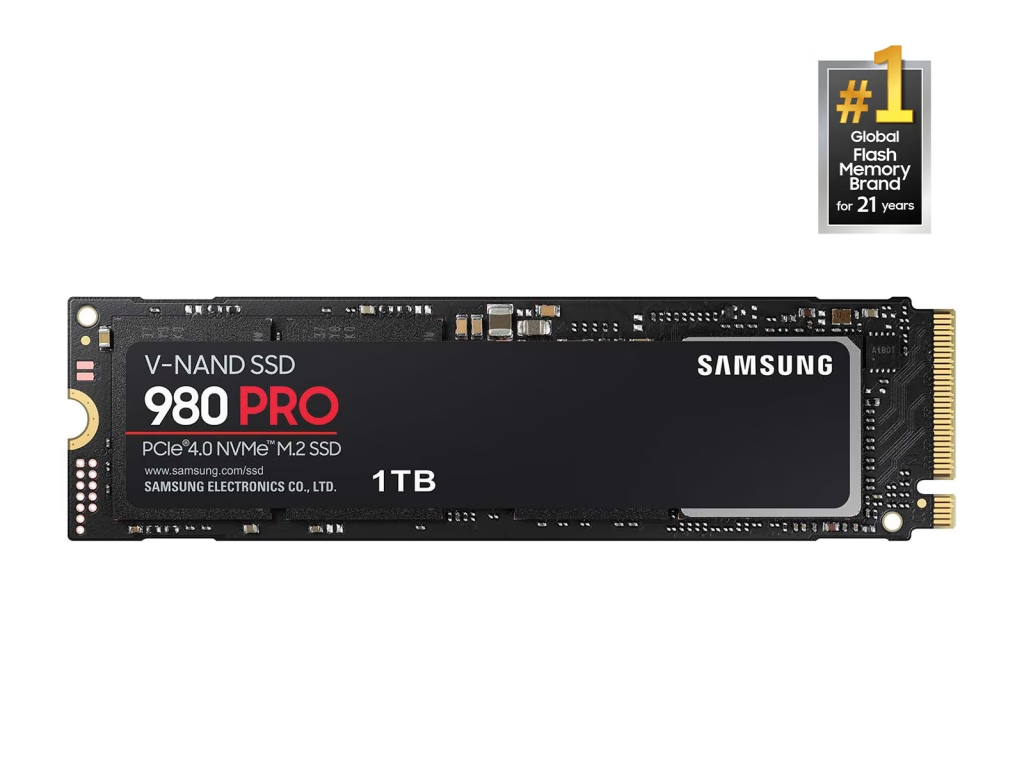
The cost difference is minimal now. A 1TB Gen 4 NVMe drive costs $80-100 compared to $70-85 for SATA SSD. That $10-15 premium buys you better future compatibility as more games adopt DirectStorage.
7) what this means for your next upgrade
The latest Digital Foundry Graphics Awards analysis provides specific hardware priorities depending on what you play:
7.1) For competitive online games: Invest in high-refresh monitors and CPUs with strong single-thread performance. GPU requirements stay modest since you’ll likely run low settings. A Ryzen 7 7800X3D or i7-14700K paired with an RTX 4070 delivers 240+ fps in most esports titles.
7.2) For AAA single-player: Balance GPU and CPU with an emphasis on ray tracing capability. As highlighted by the Digital Foundry Graphics Awards, an RTX 4070 Ti or RX 7900 XT represents the sweet spot for 1440p gaming with high settings and upscaling. Pair this with a Ryzen 7 7700X or i5-14600K.
7.3) For enthusiast 4K gaming: You need top-tier hardware. An RTX 4080 or better plus a strong CPU is essential. The visual showcases analyzed in the Digital Foundry Graphics Awards prove that modern titles push even flagship GPUs hard at 4K resolution. Budget $1,500+ just for the GPU and CPU
You need top tier hardware. RTX 4080 or better plus a strong CPU. The visual showcases of 2025 push even flagship GPUs hard at 4K resolution. Budget $1,500+ just for GPU and CPU.
7.4) For budget 1080p:
Mid-range hardware handles 2025 games fine at 1080p. An RTX 4060 or RX 7600 paired with a Ryzen 5 7600 runs everything at medium-high settings with upscaling enabled.

8) reading between the benchmark lines
Digital Foundry doesn’t just show you numbers. They explain why games perform the way they do which helps predict what future titles will demand. Their 2025 awards emphasized that game engines are evolving faster than GPU generations.
Unreal Engine 5 adoption accelerated in 2025 with its Nanite geometry system and Lumen global illumination. These features look amazing but stress different hardware components than previous engines. Understanding this helps you prioritize where to spend upgrade dollars.
The shift toward path tracing in high-end titles signals that ray tracing performance will matter even more in 2026-2027. If you’re planning a build to last 3-4 years then paying extra for better RT cores makes sense even if current games don’t fully utilize them.

9) making informed decisions
Use Digital Foundry’s annual analysis as a reality check against marketing claims. Manufacturers love to hype raw teraflops and core counts but real game performance depends on architectural efficiency and feature support.
The 2025 showcase proves that you don’t need the absolute fastest hardware to enjoy incredible visuals. Smart use of upscaling and understanding which settings impact quality versus performance lets you build capable systems without chasing flagship pricing.
Graphics technology keeps advancing but the improvements come from software as much as hardware now. That’s good news for gamers with reasonable budgets who just want to play the best looking games at smooth frame rates.
Understanding hardware priorities across different gaming scenarios matters more than just chasing specs so seeing how PC handheld choices balance performance with portability reveals similar tradeoffs between raw power and practical usability that apply to all gaming hardware decisions.

Frequently Asked Questions (FAQs)
- Does upscaling technology affect image quality?
Thanks to technologies like DLSS 3.5, FSR 3.1, and Intel XeSS 2.0, upscaling provides image quality nearly identical to native resolution while delivering 40–60% better performance, making it essential for modern gaming.
- How can I determine if my CPU is a bottleneck?
Modern games, especially open-world and simulation-heavy titles like Starfield, rely heavily on the CPU. If you experience poor performance despite using a powerful GPU, your CPU may be the limiting factor due to insufficient cores or single-thread performance.
- Do I always need a top-tier GPU to play 2026 games?
Not necessarily; mid-range GPUs from 2024–2025 can handle most new releases at 1440p when paired with upscaling, provided you balance your settings correctly.
- Is ray tracing now mandatory?
Yes, ray tracing has become a baseline feature for modern games rather than an optional setting. When buying a GPU in 2026, prioritize ray tracing performance over raw rasterization power to ensure your system can handle intended lighting models.
- Does storage speed really matter for gaming?
Yes, several 2025 titles use DirectStorage to stream assets during gameplay, and NVMe Gen 4 drives can eliminate the brief stutters often seen on slower SATA SSDs.
- What is the best hardware balance for my upgrade?
Priorities depend on your gaming scenario:
Competitive online games: Invest in high-refresh monitors and CPUs with strong single-thread performance.
AAA single-player games: Balance GPU and CPU with a strong emphasis on ray tracing capability.
Enthusiast 4K gaming: Requires top-tier hardware, such as an RTX 4080 or better, with a significant budget for both the GPU and CPU