Best PC handheld: SteamOS vs Windows (battery life, compatibility, comfort)
PC gaming handhelds went from weird experiment to legitimate gaming option over the past three years. This PC handheld guide compares SteamOS and Windows through battery life, compatibility, comfort, and day-to-day use. The Steam Deck proved people actually want portable PC gaming and now every manufacturer has a handheld in their lineup. But the choice between SteamOS and Windows changes everything about how these devices actually work.

I’ve tested both types extensively and the operating system matters more than the specs sheet suggests. This shift toward handheld gaming fits into broader platform changes reshaping gaming where how you play matters as much as what you play on.
1. The fundamental difference
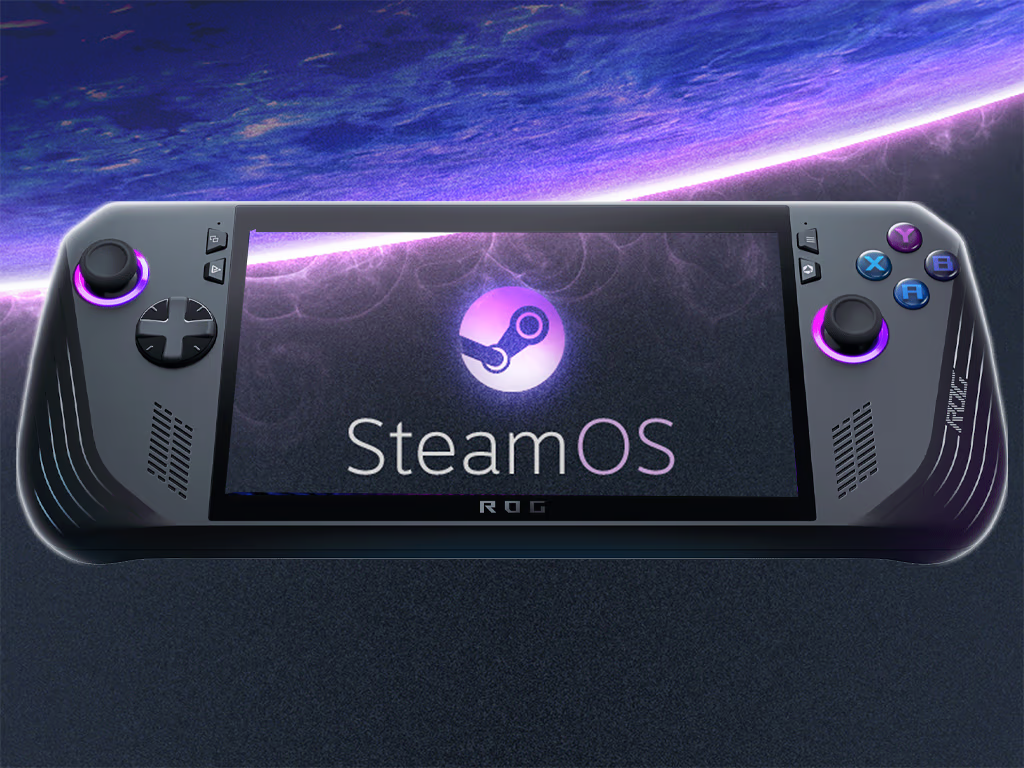
SteamOS turns a PC handheld into something that feels like a Nintendo Switch. You press the power button and you’re in a controller-friendly interface within seconds. Games launch quickly and sleep mode actually works like you expect from a console.
Windows gives your PC handheld full PC flexibility but none of that console simplicity. You boot to a desktop interface designed for mouse and keyboard. Game launchers require clicking through menus. Sleep mode sometimes works and sometimes wakes up confused about what it was doing.
PC Gamer’s testing showed SteamOS handhelds average 2.3 hours battery life playing demanding AAA titles while Windows handhelds running the same games on identical hardware get 1.8 hours. That 28% difference comes entirely from software optimization.
2. PC handheld battery life breakdown by device
Real-world testing shows how different PC handheld models perform:
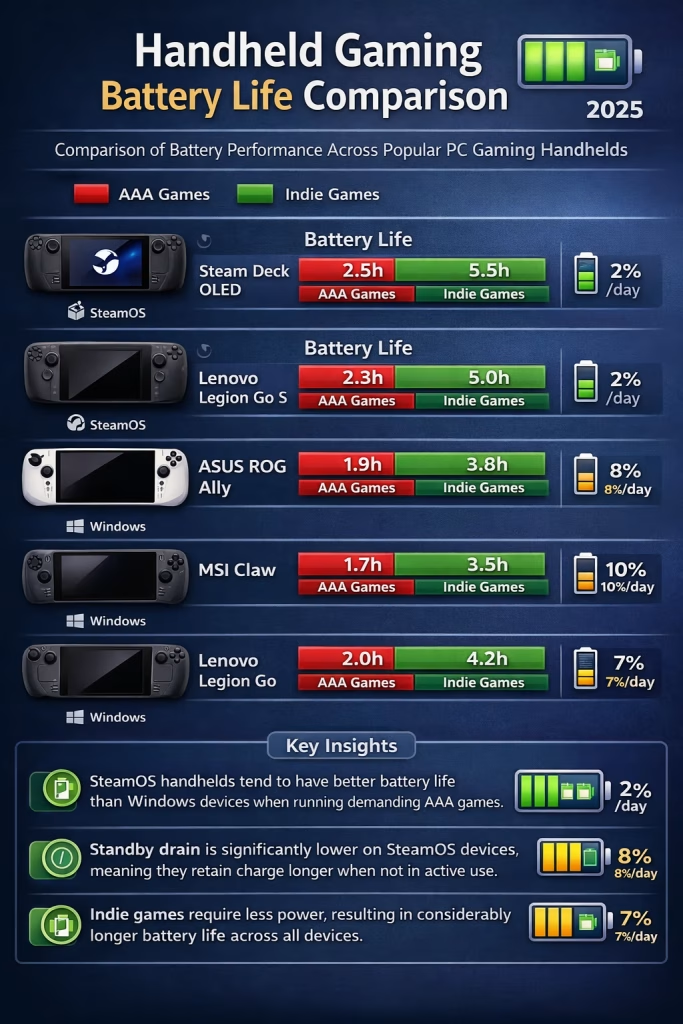
DEVICE OS BATTERY (AAA) BATTERY (INDIE) STANDBY DRAIN
Steam Deck OLED SteamOS 2.5 hours 5.5 hours 2% per day
Lenovo Legion Go S SteamOS 2.3 hours 5.0 hours 2% per day
ASUS ROG Ally Windows 1.9 hours 3.8 hours 8% per day
MSI Claw Windows 1.7 hours 3.5 hours 10% per day
Lenovo Legion Go Windows 2.0 hours 4.2 hours 7% per day
The standby drain column matters more than people realize. Leave a SteamOS device in your bag for a week and it still has charge. Do the same with Windows and you’re reaching for the charger.
3. Game compatibility reality check
Windows runs almost everything because it behaves like a full PC. Every Steam game works. Every Epic Games Store title works. Game Pass works. EA app works. GOG works. You have zero compatibility questions.
SteamOS runs games through Proton which translates Windows API calls to Linux. Valve rates games as Verified, Playable or Unsupported. SteamOS runs games through Proton, and many major Steam titles are marked Verified or Playable on Steam Deck.
That sounds good until you hit specific titles you want to play. Destiny 2 doesn’t work because of anti-cheat. Most Game Pass titles don’t work. Some multiplayer games block Linux. You need to check ProtonDB compatibility reports before buying to avoid disappointment.
Here’s what works and what doesn’t:
Works great on SteamOS:
• Single-player games with broad compatibility
• Valve titles with strong compatibility
• Indie games with strong compatibility
• Older AAA games with generally strong compatibility
Problematic on SteamOS:
• Online games with kernel-level anti-cheat
• Game Pass titles (requires Windows)
• Some EA games (mixed compatibility)
• Brand new AAA launches (needs time for Proton updates)

4. The comfort equation
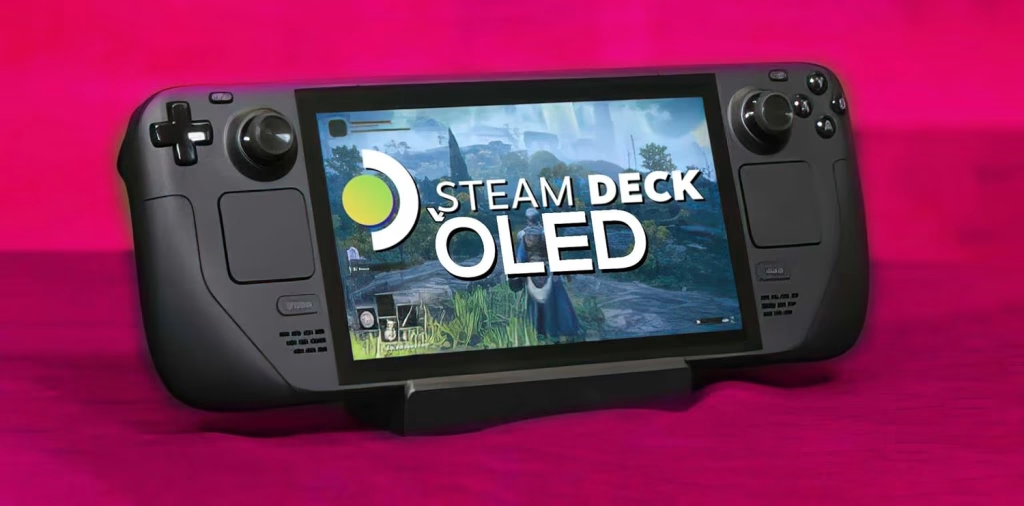
Every PC handheld has different ergonomics and your hand size determines what works. I’m 6’1″ with average hands and found the Steam Deck OLED most comfortable for sessions over an hour. The curved back fits naturally and the weight distribution doesn’t cause fatigue.
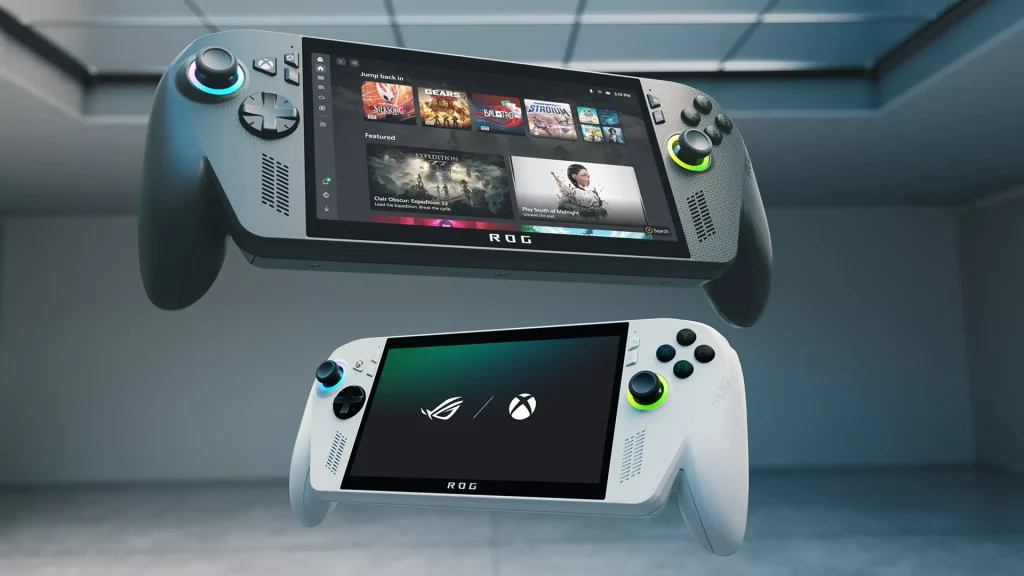
The ROG Ally feels lighter initially but the sharp edges dig into my palms during long sessions. The Legion Go has detachable controllers which sounds cool but adds complexity I don’t need for most games.
Weight matters more than spec sheets suggest. The Steam Deck OLED weighs 640g. The ROG Ally weighs 608g. That 32g difference disappears once you add a case and your perception adjusts after 10 minutes of playing.
Screen quality varies significantly. OLED screens on Steam Deck and Legion Go S deliver better contrast and colors than LCD screens on other devices. Refresh rate matters for competitive games but most people won’t notice 60Hz versus 120Hz on a 7-inch screen while playing story-driven titles.
5. Real usage scenarios
I tested both OS types across different use cases to see what actually matters day to day:
5.1. Scenario 1: commute gaming
For a PC handheld, SteamOS wins easily. Fast sleep/wake means you play for 20 minutes on the train and instantly suspend when your stop arrives. Windows sometimes needs 30 seconds to wake up and another 10 seconds to resume the game.
5.2. Scenario 2: Game Pass access
Windows is mandatory. No workaround exists for SteamOS. If Game Pass matters to you the decision is made.
5.3. Scenario 3: emulation
For PC handheld emulation, both work but SteamOS makes it simpler through EmuDeck which installs and configures everything automatically. Windows requires manual setup for each emulator and controller configuration.
5.4. Scenario 4: modding games
Windows gives direct file system access. Some SteamOS devices lock down the file system unless you switch to desktop mode which defeats the console-like simplicity.
6. Performance at the same specs
Testing of the Lenovo Legion Go S which comes in both SteamOS and Windows versions with identical AMD Z1 Extreme processors. The SteamOS version averaged 8% higher frame rates in their test suite of 12 games.
That performance gap comes from reduced OS overhead and better power management. Windows runs background services that consume CPU cycles. SteamOS strips away everything except what’s needed for gaming.
The gap widens with older or less powerful processors. Budget handhelds with AMD Z1 (non-Extreme) chips show 12-15% better performance on SteamOS versus Windows.
7. The price calculation
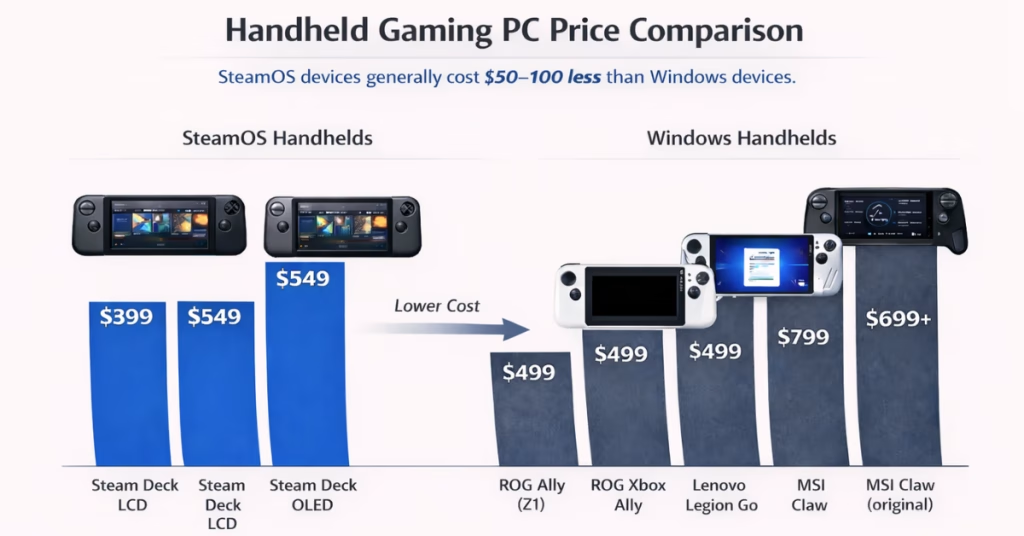
SteamOS handhelds generally cost $50-100 less than Windows equivalents with similar specs. Valve doesn’t charge licensing fees for SteamOS. Microsoft charges OEMs roughly $50-80 per Windows license which gets passed to consumers.
Budget considerations for a PC handheld:
• Steam Deck LCD: $399 (SteamOS)
• Steam Deck OLED: $549 (SteamOS)
• Legion Go S: $499 (SteamOS)
• ROG Ally: $599 (Windows)
• MSI Claw: $699 (Windows)
The PC handheld value equation shifts based on your library. If you own 200 Steam games and rarely use other launchers then paying extra for Windows makes little sense. If you subscribe to Game Pass and play Xbox exclusives then Windows justifies the premium.
8. Software updates and longevity
Valve ships SteamOS updates regularly with clear patch notes. The update process mirrors console simplicity. Download, install, restart and you’re done.
Windows handhelds depend on manufacturer support for drivers and optimization. ASUS ships regular updates for the ROG Ally. Some other manufacturers ship a few updates at launch then mostly abandon the devices.
This matters for long-term value. The original Steam Deck from 2022 still gets updates and new features. Some Windows handhelds from 2023 already feel abandoned by their manufacturers.
9. Making your PC handheld choice
For a PC handheld, buy SteamOS if you primarily play Steam games, value battery life and want console-like simplicity. Buy Windows if you need Game Pass, play online games with strict anti-cheat or want maximum flexibility even if it means more hassle.
Test the ergonomics before buying if possible. Specs matter less than whether the device feels good in your hands for 2-3 hour sessions. A slightly less powerful handheld that’s comfortable beats a powerful one that causes hand cramps.

The PC handheld market keeps growing and competition improves the options. What seemed experimental three years ago now represents a legitimate way to play PC games without being tied to a desk.
Display technology connects directly to PC handheld gaming experiences so whether 500Hz monitors actually matter helps understand similar premium features across different gaming hardware categories.