Neverness to Everness beginner guide: start strong on PC without wasting resources
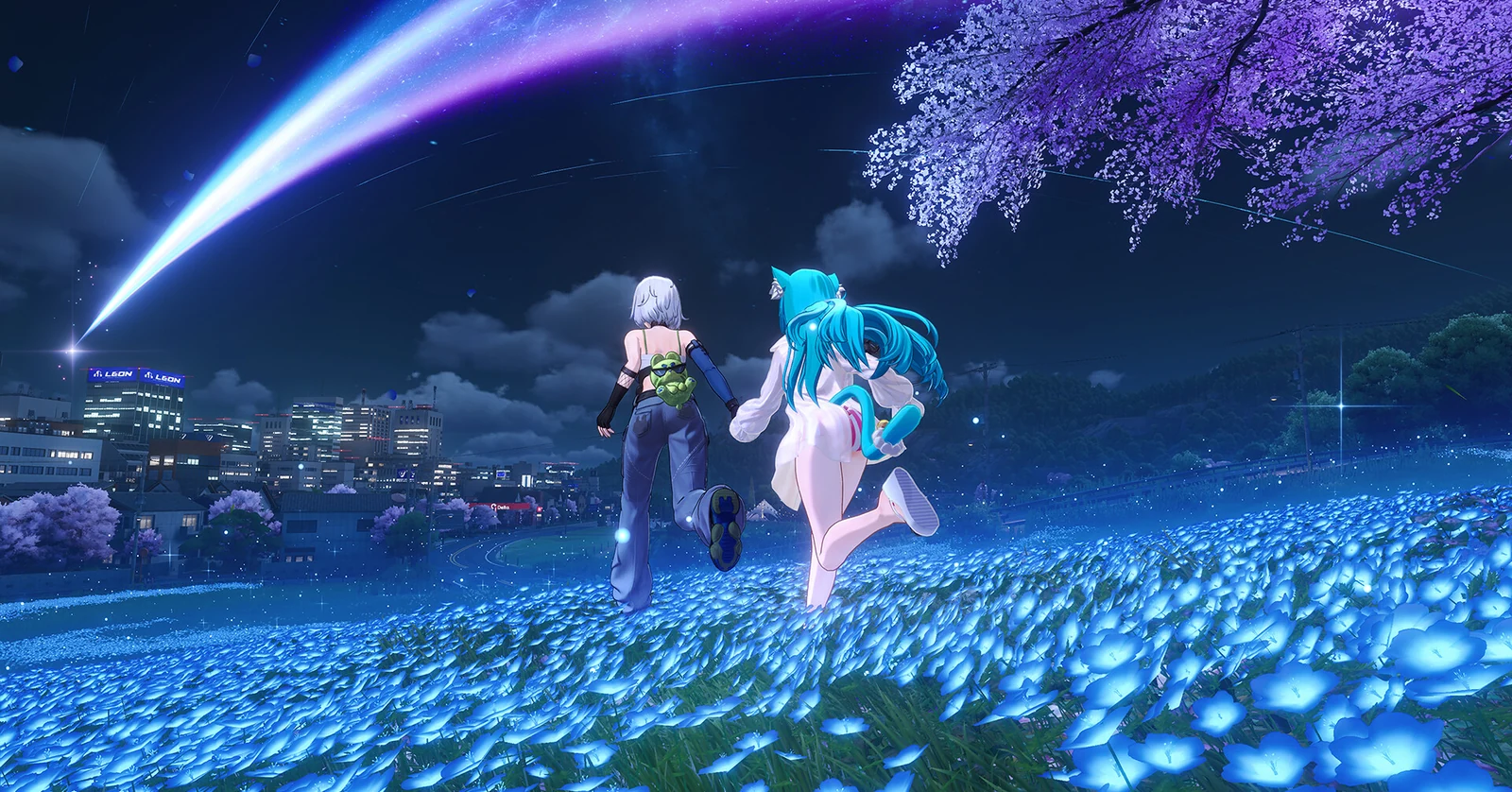
This Neverness to Everness beginner guide helps PC players start strong without wasting resources. Server choice, account linking, storage space, settings, and reward checks do not sound exciting, but they shape the first week more than most players expect.
This guide keeps the advice practical and based on verified information where possible. For the full PC hub, use Neverness to Everness PC guide as the central route. This page focuses on the first steps after launch, without aggressive calls to action and without unconfirmed reward claims.
For new players, getting started with Neverness to Everness on PC should begin with account, server, and storage checks rather than rushed spending.
1. Check your PC before starting
Neverness to Everness is not a tiny launcher game. The official launch FAQ lists Windows 10 64-bit or later, at least 60 GB of free space, and another 60 GB temporarily required during extraction. The minimum PC hardware starts at an Intel Core i7-10700 with a GTX 1660 or RX 5600 and 16 GB RAM.
| Area | Minimum official target | Better early target |
|---|---|---|
| System | Windows 10 64-bit or later | Windows 10 or 11 64-bit |
| CPU | Intel Core i7-10700 | Intel Core i7-12700 or better |
| GPU | GTX 1660 or RX 5600 | RTX 3060 or RX 6700 or better |
| RAM | 16 GB | 32 GB |
| Storage | 60 GB plus 60 GB temporary | 130-150 GB free on SSD |
If your PC is close to the minimum, start with balanced settings. Hethereau is a dense city, and driving can expose stutter faster than walking through a quiet area.
2. Pick the right server first
The official FAQ lists four servers: Asia, America, Europe, and SEA. It also states that server data is separate. That means progress on America does not transfer to Europe.
| Player location | Safer first choice |
|---|---|
| United States | America |
| Canada | America |
| Western Europe | Europe |
| Eastern Europe | Europe |
| Southeast Asia | SEA |
| East Asia | Asia |
Do not treat server choice like a temporary setting. If you join friends later, make sure everyone starts on the same server. Cross-platform progress can work across supported platforms, but server progress remains separate.
Simple server rule:
Same account + same server = shared progress across supported platforms
Same account + different server = separate progress
3. Link your account early
Neverness to Everness supports cross-platform progress across listed platforms when account linking is handled correctly. The PS5 FAQ explains that progress can sync between PlayStation and PC or mobile when the account is linked and the same server is used.
For PC beginners, the safest habit is to avoid staying on any temporary or unclear login state. Link the account to a stable email or official account method before investing serious time.
| Account step | Why it matters |
|---|---|
| Use one main account | Avoids split progress |
| Confirm the server | Prevents starting in the wrong region |
| Link before long sessions | Protects early progression |
| Write down login method privately | Avoids recovery confusion |
| Avoid account sharing | Reduces ban and security risk |
The official account action notices also show that the publisher actively penalizes behavior that harms account integrity. Keep the account clean. Do not use third-party tools, shady currency offers, or modified clients.
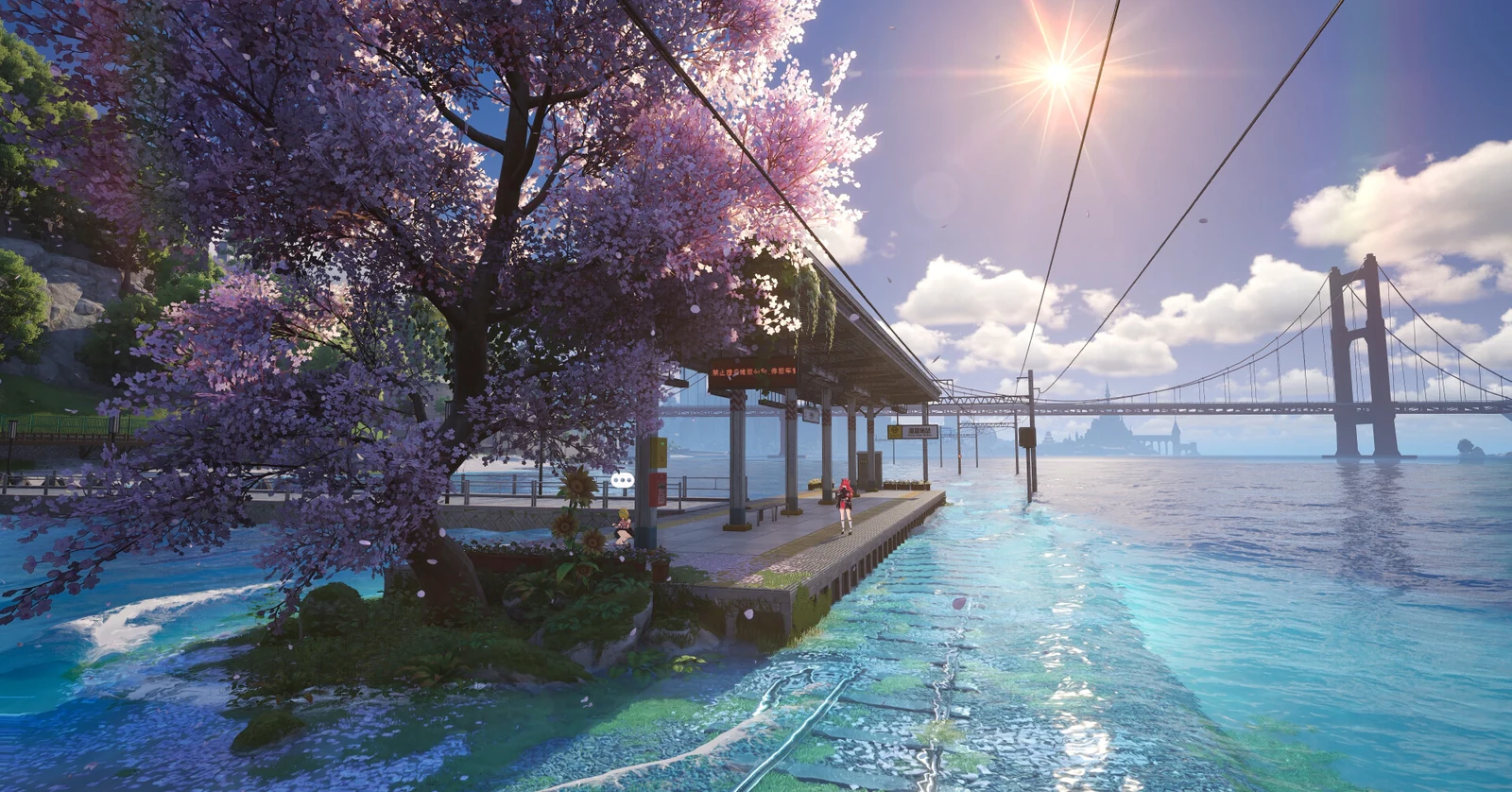
If your first-session checks are finished, Neverness to Everness for Windows PC is a practical next reference before choosing long-term settings and server plans.
4. Do the first session slowly
The first session should not be a race. Your goal is to confirm that the game runs properly, your account is secure, and your server choice is correct.
| First-session step | Priority |
|---|---|
| Confirm server | Very high |
| Confirm account link | Very high |
| Check graphics stability | High |
| Learn basic movement | High |
| Review mail and event menus | Medium |
| Spend premium currency | Low |
The best early players are not always the fastest ones. They are the ones who avoid irreversible mistakes. Do not spend rare currency just because a menu is glowing. Read event dates and banner details first.
5. Claim rewards carefully
Official launch materials confirmed global pre-registration and launch rewards, and earlier official pre-registration information listed rewards such as Haniel, Fabricated Dice, Beetle Coins, and Elite Hunter Guides. Current events can change by patch, so every reward claim should be checked inside the live game.
As of the Version 1.2 patch notes, the “Circle Gifts” login event runs from July 8 to August 19, 2026 and offers Solid Dice x10 for logging in for a total of 7 days. Other Version 1.2 events list rewards such as Annulith, Fabricated Dice, Fons, Floe Cinema Tickets, Elite Hunter Guides, Chaotic Dye, and more.
| Reward type | Beginner advice |
|---|---|
| Login rewards | Claim daily while event is active |
| Mail rewards | Check expiry before ignoring them |
| Event rewards | Read requirements before grinding |
| Dice or premium items | Save until you understand banners |
| Upgrade materials | Use on a focused early team |
Avoid turning every reward into immediate spending. A new account usually benefits more from patience than from quick pulls.
6. Tune settings before judging the game
A beginner mistake is judging performance after maxing every visual option. Start practical, then raise settings once frame pacing is stable.
| Setting area | Safe starting point |
|---|---|
| Display mode | Fullscreen or borderless, test both |
| Frame cap | 60 FPS first |
| Shadows | Medium |
| Reflections | Low or medium |
| Motion blur | Off |
| Background apps | Closed where possible |
| Storage | SSD preferred |
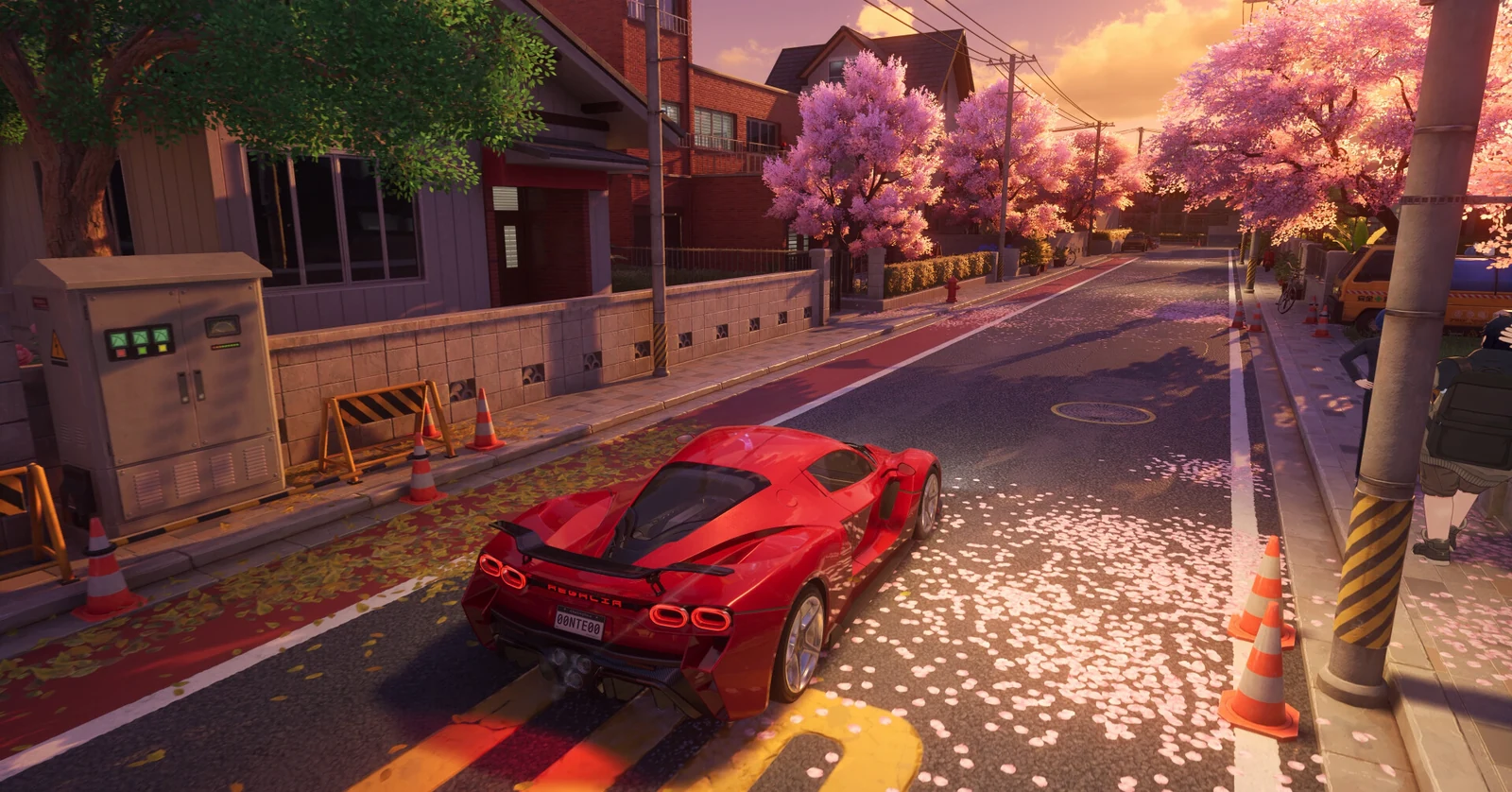
Run a simple test: walk through a detailed street, drive through a larger route, then enter combat. If all three feel stable, your settings are probably close.
Performance check chart:
Street walking   | checks detail density
Driving          | checks streaming and storage
Combat           | checks effects and input feel
If the game stutters while driving but not while standing still, storage or asset streaming may be part of the problem. The official FAQ strongly recommends SSD installation for the best experience.
7. Focus on one early team
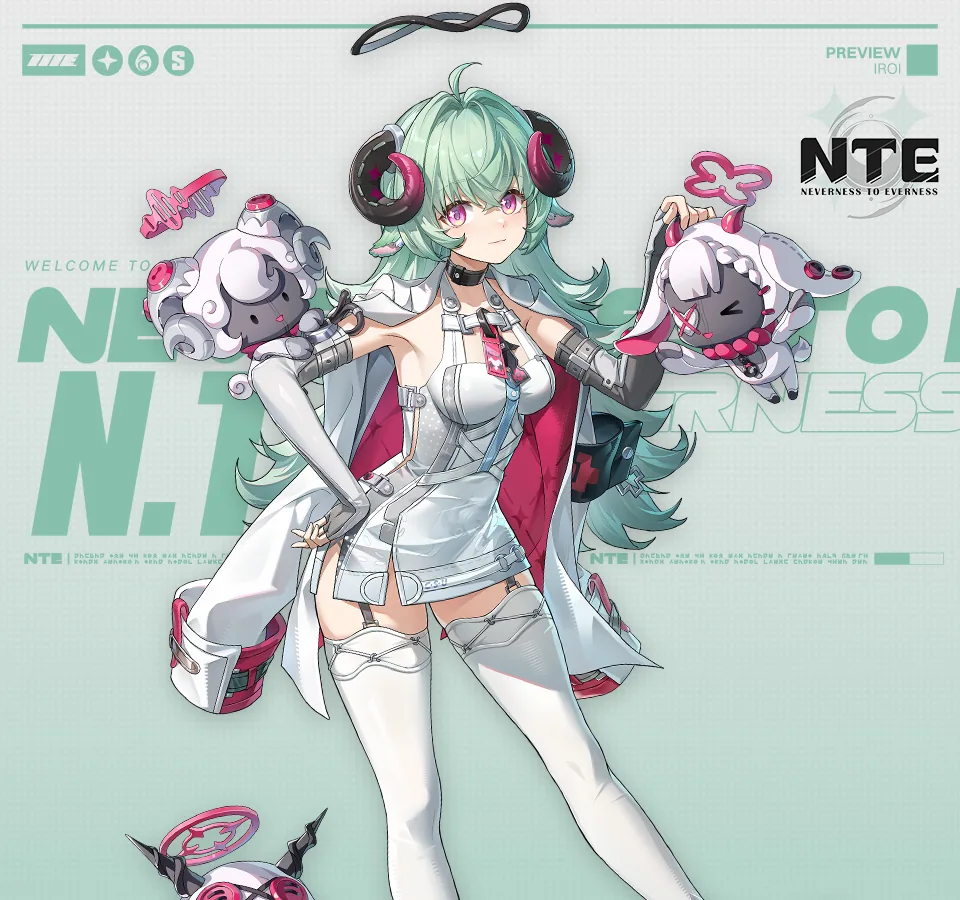
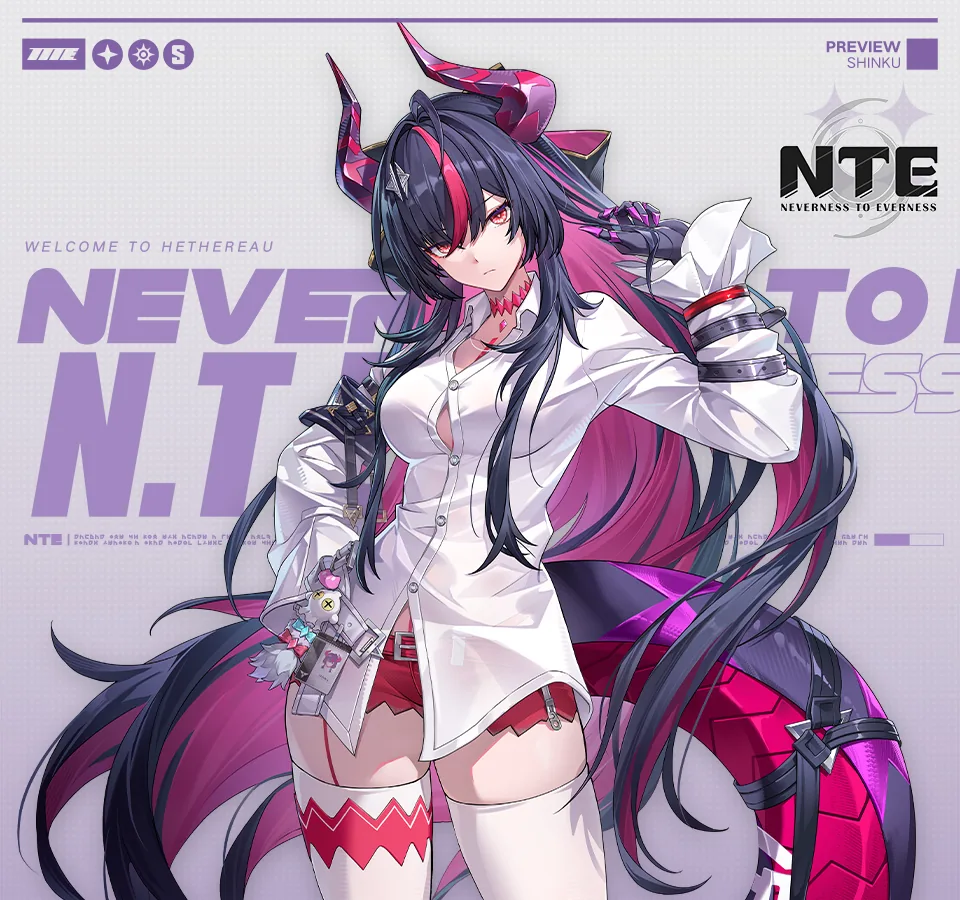
Character advice changes after patches, so beginners should avoid treating any early tier list as permanent truth. The safer rule is to build one functional team first.
A balanced early team usually needs damage, support, and utility. The exact names can shift with your account, banners, and free units, but the structure stays useful.
| Role | Beginner purpose |
|---|---|
| Main damage dealer | Clears story and general fights |
| Support or sustain | Keeps the team stable |
| Utility character | Handles control, buffs, or special mechanics |
| Flexible slot | Adjusts to enemy or exploration needs |
Do not level every character evenly in the first days. That spreads materials too thin. Pick a main damage option, keep supports close enough to survive, and save resources until you understand which characters you enjoy using.
8. Spend less, learn more
Neverness to Everness has live-service rewards, currencies, and events. New players should slow down around anything that looks premium.
Good early habits:
| Habit | Why it helps |
|---|---|
| Read banner details | Avoids misunderstood guarantees |
| Save rare currency | Gives flexibility after learning the game |
| Finish basic tutorials | Unlocks systems naturally |
| Check event dates | Prevents wasting time on expired goals |
| Avoid reroll obsession | Saves time unless you have a clear reason |
If a claim sounds too good, verify it in official notices or inside the game. Avoid making article-level statements like “120+ free pulls” unless a current official source clearly confirms that exact number for the live build.
9. Beginner mistakes to avoid
| Mistake | Better choice |
|---|---|
| Starting on the wrong server | Pick the closest server first |
| Ignoring account linking | Secure the account early |
| Installing with barely enough space | Keep 120 GB or more free during setup |
| Maxing settings immediately | Start balanced and test |
| Spending currency instantly | Learn banners and events first |
| Leveling too many characters | Focus one early team |
| Trusting old guides blindly | Check patch dates |
The biggest beginner mistake is rushing through systems without reading dates. Live-service RPGs change. A guide from launch week can be useful, but event details may be outdated by the next patch.
10. Practical first-week route
| Day range | Main goal |
|---|---|
| Day 1 | Confirm server, account, settings, and core menus |
| Days 2-3 | Build one reliable team and clear early story |
| Days 4-5 | Check active events and claim login rewards |
| Days 6-7 | Review resources before major spending |
This is not the fastest possible route. It is the safest one for a normal PC player who wants a clean start without regrets.
Neverness to Everness is easier to enjoy when the first steps are calm. Confirm the server. Link the account. Make sure the PC has enough storage. Start with stable settings. Claim rewards, but do not spend everything immediately. Build one team before trying to build five.
The game’s urban style makes Hethereau interesting, but good preparation keeps the first week from becoming messy. After the basics are stable, the next useful step is Neverness to Everness characters guide, because team planning is where early resources begin to matter most.
Before making bigger account decisions, it also helps to learn more about the PC version and keep the early route focused on stable progress.
11. Frequently asked questions
11.1. Which server should new players choose?
Choose the closest server and coordinate with friends before starting. America is usually the safest choice for the United States and Canada, while Europe is usually the safer choice for European players.
11.2. Does progress transfer between NTE servers?
Official information says server data is separate. Progress can sync across supported platforms only when the same account and the same server are used.
11.3. Should beginners spend launch rewards immediately?
No. Check the current event dates, board details, and account needs first. Rare currency is usually more valuable when you understand the banners and your team plan.
11.4. What should I do on day one?
Confirm your server, link your account, test PC settings, learn basic movement, check mail and events, then build one reliable early team before spreading resources.
Sources used for fact checking: official NTE launch FAQ, official NTE PlayStation 5 FAQ, official pre-registration reward notice, and official Version 1.2 patch notes.