Steam Frame VR: why Valve is rewriting VR headset rules
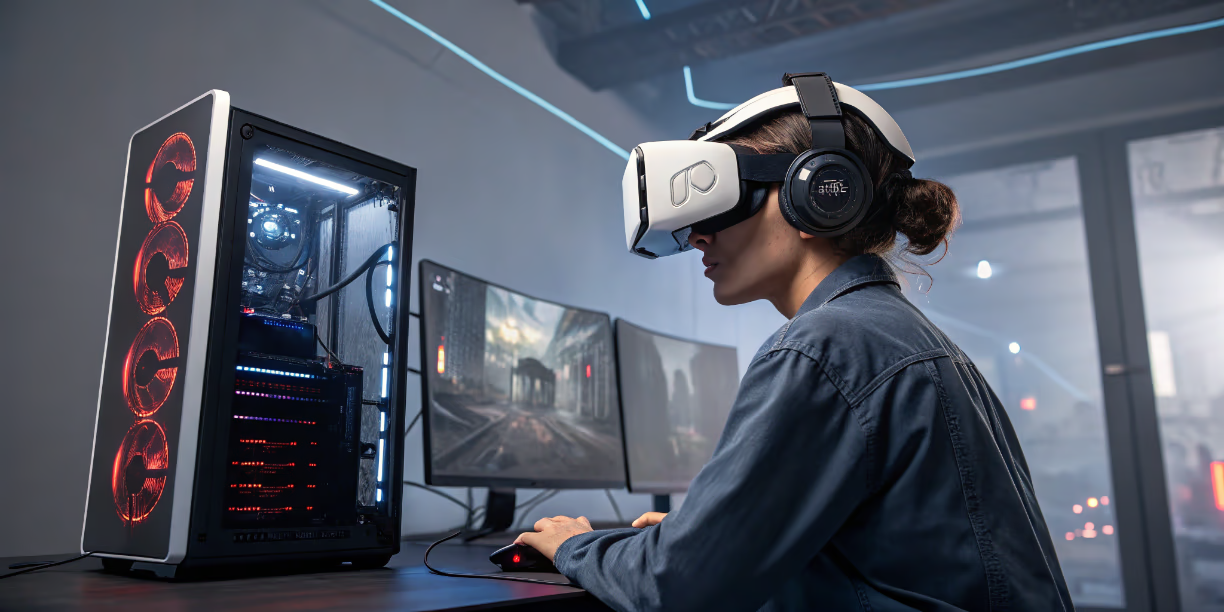
Steam Frame VR moved Valve beyond the Index era after years of waiting for its next headset. The answer arrived in November 2025 with Steam Frame, a standalone VR headset designed for low-latency streaming from your gaming PC while also supporting standalone experiences. This hybrid approach feels like Valve looked at the Quest 3 and said “we can do this differently.”
The gaming landscape is shifting fast and VR sits at an interesting crossroads. Understanding where VR fits into gaming’s broader hardware evolution helps explain why Steam Frame matters beyond just being another headset option.
1. What makes Steam Frame VR different
Most VR headsets force you to pick a side. You either get a standalone device like Meta Quest 3 that runs games locally with mobile-grade graphics or you get a PC VR headset that needs a cable and a beefy computer. Steam Frame does both.
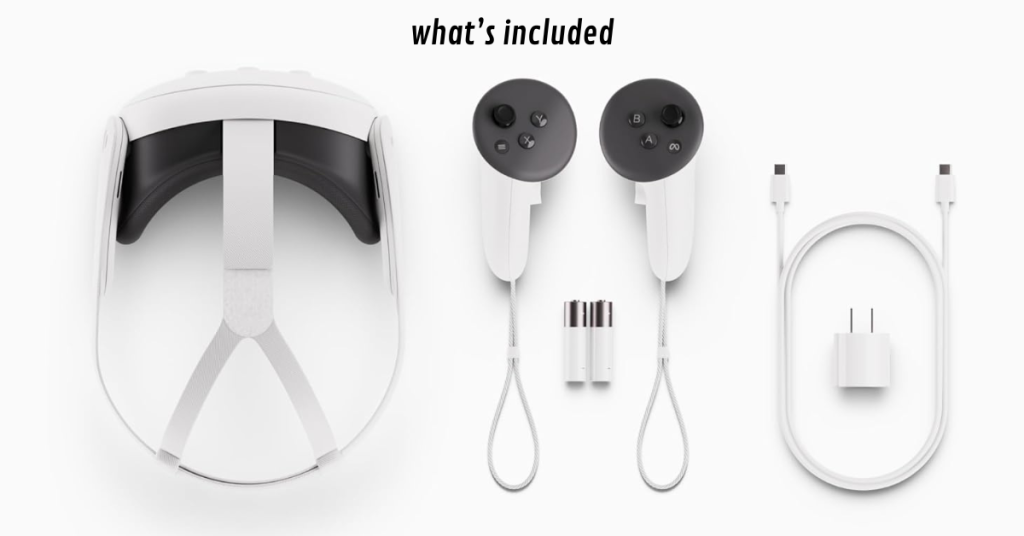
The headset runs on ARM64 architecture which means it can execute games locally when you’re away from your PC. But the real innovation shows up in how it handles PC streaming. Valve built a foveated streaming system that uses eye tracking to send high quality visuals only where you’re looking. The rest of your peripheral vision gets lower resolution data which cuts bandwidth requirements dramatically.
Digital Foundry tested the device and reported that latency feels comparable to wired PCVR when streaming over Wi-Fi 6E. That’s significant because wireless PCVR has always struggled with compression artifacts and input lag.
2. The specs that actually matter
Here’s what Valve packed into Steam Frame compared to current competition:
Here’s what Valve packed into Steam Frame compared to current competition:
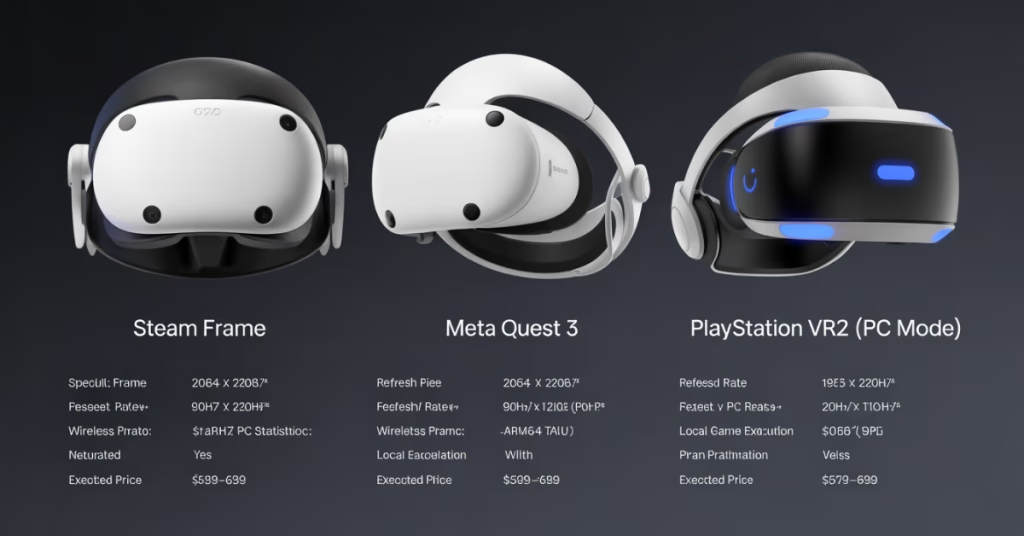
| Feature | Steam Frame | Meta Quest 3 | PSVR 2 (PC mode) |
| Resolution per eye | 2160 x 2160 | 2064 x 2208 | 2000 x 2040 |
| Refresh rate | 72-120Hz, 144Hz experimental | 90Hz / 120Hz | 90Hz / 120Hz |
| Eye tracking | Yes | No | Yes |
| Wireless PC streaming | Native | Via third-party | Cable only |
| Local game execution | ARM64 translation | Native Android | None |
| Weight | About 440g with headstrap | 515g | 560g |
| Price (expected) | $599-699 | $499 | $549 + adapter |
The eye tracking isn’t just a spec sheet feature. It enables foveated rendering which means games render full detail only in your focal point. This saves massive GPU resources whether you’re streaming from PC or running locally.
3. Who should care about this
Steam Frame targets a specific gap in the market. If you own a gaming PC and want wireless freedom without sacrificing visual quality this headset makes sense. The Quest 3 offers better standalone game library and ecosystem maturity. But if your Steam library matters more than Meta’s walled garden then Valve’s approach clicks.

The ARM64 translation layer is interesting but limited. Valve isn’t promising every Steam game will work standalone. Instead they’re focusing on games that already run well on Steam Deck which shares similar architecture constraints. Think indie titles and older AAA games rather than Cyberpunk 2077 at max settings.
4. Setup and ecosystem friction
Every VR headset involves tradeoffs. Steam Frame’s biggest question mark is software maturity. Valve has a mixed track record with long term hardware support. The Index launched in 2019 and got decent updates but nothing revolutionary. Steam Controller basically got abandoned after initial hype.
The headset requires SteamOS for standalone operation which means you’re locked into Valve’s ecosystem choices. That’s fine if you already live in Steam but less ideal if you’ve invested heavily in Oculus or PlayStation VR libraries.
Initial reports suggest the setup process mirrors Steam Deck. You sign into Steam and your library appears. Streaming requires your PC to be on and connected to the same network. Valve recommends Wi-Fi 6E for best results which adds infrastructure cost if you’re still running older routers.

5. Performance where it counts
Based on hands-on impressions from Digital Foundry and The Verge the streaming performance genuinely competes with wired headsets. Frame pacing stays consistent and compression artifacts only appear in specific scenarios like fast camera rotation in dark scenes.
Battery life estimates sit around 2-3 hours for streaming and 1.5-2 hours for standalone gameplay. That matches Quest 3 which means you’re looking at session-length play rather than marathon gaming without the charging cable.

The comfort factor gets mixed reviews. Valve added a halo strap design that distributes weight better than Quest 3’s default strap but some testers found pressure points during extended sessions. This varies by head shape so trying before buying matters if possible.
6. The pricing calculation
Valve has not confirmed final pricing in the official documentation checked for this update. That leaves the pricing calculation unresolved, especially for players comparing Steam Frame with Quest 3 or premium PC VR setups that require external tracking hardware.
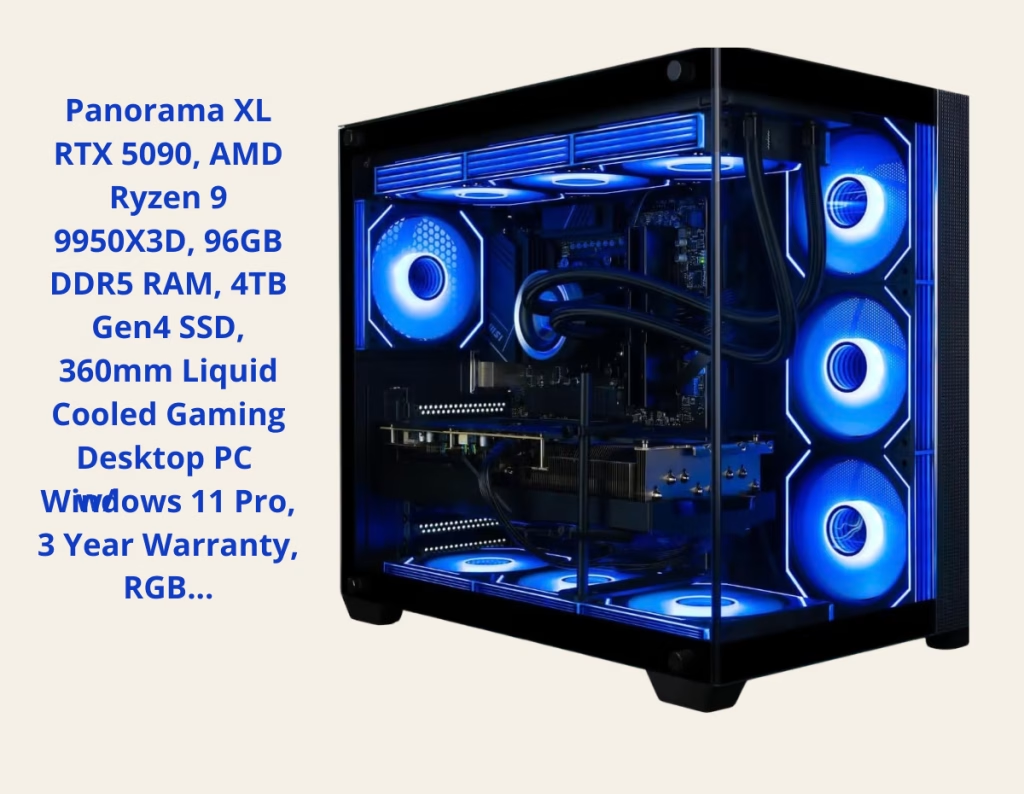
You need to own or plan to build a capable gaming PC for the full experience. Valve’s developer documentation emphasizes streaming from a PC, so more demanding games will still depend heavily on the host machine. If you already have a gaming PC this works. If you’re starting from scratch the total investment climbs quickly.
7. What this means for VR’s direction
Steam Frame represents Valve betting that VR users want flexibility over specialized optimization. Quest 3 dominates because it just works out of the box. Steam Frame requires more technical comfort but offers broader possibilities.
The success or failure will depend on software support. If Valve attracts developers to optimize for foveated streaming and ARM translation then the ecosystem could thrive. If it becomes another Index situation with solid hardware but stagnant software growth then early adopters will feel burned.
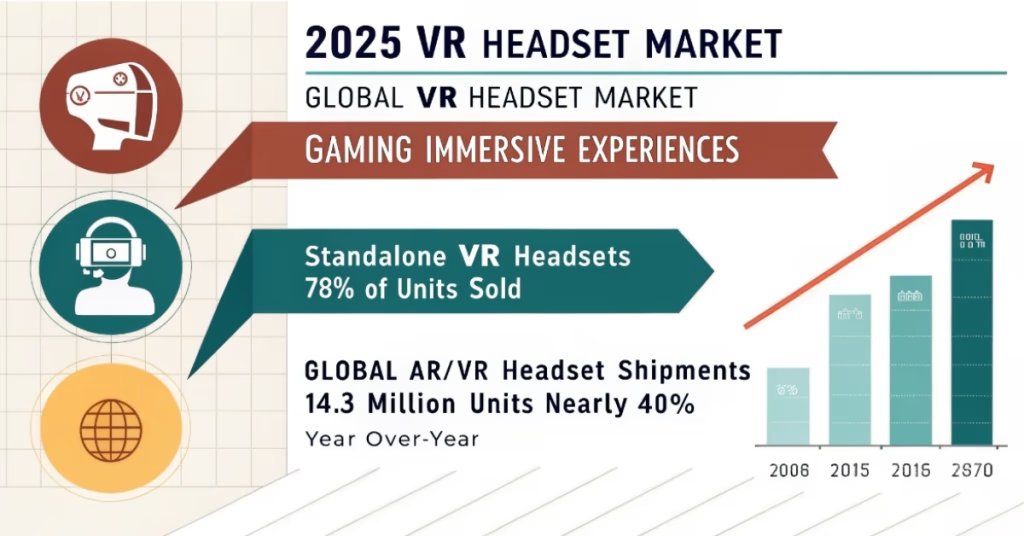
Market data varies by source, but the direction is clear: standalone and wireless designs have shaped recent VR demand. Steam Frame needs to convince PC gamers that wireless flexibility justifies choosing Valve’s ecosystem over Quest 3’s proven standalone library.
8. Making the decision
Buy Steam Frame if you prioritize Steam library access and own a VR-ready gaming PC. Skip it if you want the most polished standalone experience or don’t already have capable hardware.
Valve has not confirmed final retail timing in the official documentation checked for this update, which makes reviews and real-world testing important before buying. Early adoption always carries risk with VR hardware. Waiting for reviews and real-world testing makes sense unless you’re comfortable being a beta tester.
VR technology keeps improving but the best headset depends entirely on your existing setup and priorities. Steam Frame fills a specific niche rather than replacing everything else on the market.
If display technology interests you then understanding whether 500Hz QD-OLED monitors actually matter connects to similar questions about premium specs versus practical benefits.